
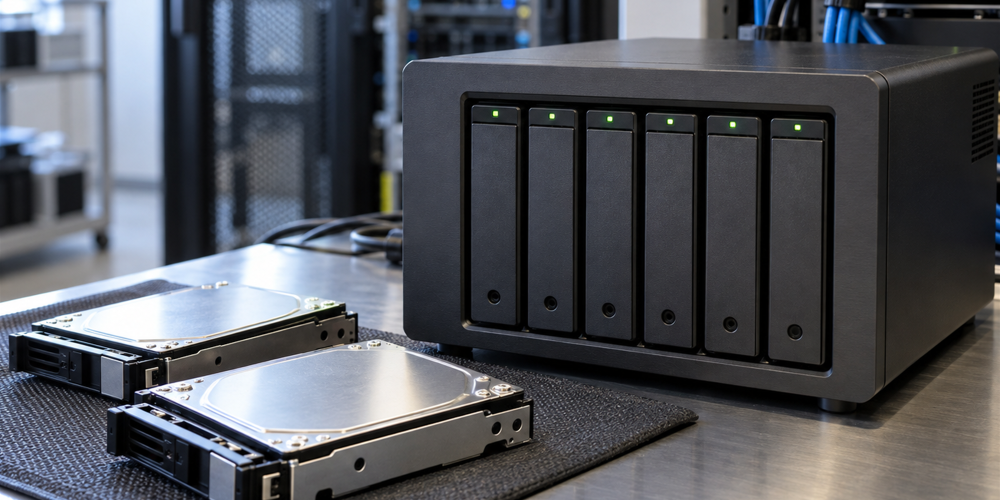
The 3-2-1 backup rule gives you a straightforward starting point for protecting business data: keep three copies, use two types of storage media and keep one copy offsite. The goal is to avoid losing every usable copy to the same problem.
For a small business, the more useful question is whether you can recover the files and systems your team actually needs. A backup plan should account for missing data, failed jobs, compromised accounts and the work involved in restoring operations.
What does 3-2-1 mean?
- Three copies: your original data plus two backup copies.
- Two media types: use different storage media to reduce dependence on one kind of storage.
- One offsite copy: keep a backup away from the location of your primary data.
CISA’s backup guidance describes this approach. It is a starting framework, rather than a promise that every business can recover under every circumstance.
Three copies: the original is only one of them
If your working files live on an office computer, that computer holds the original copy. You still need two backup copies. Saving another folder on the same computer leaves both folders exposed to the loss or failure of that device.
First list the information that matters to your operation: business documents, accounting data, email, customer records and information stored in applications. Identify where each item lives and whether your current backup covers it. A backup of one computer may leave a shared application or cloud account outside the plan.
Two media types: think about how copies could fail together
Using different media helps reduce reliance on a single type of storage. But simply owning two devices does not address every risk. Two backup drives sitting beside the same computer can still be lost in the same theft or physical incident.
Ask how each copy is stored, which accounts can change it and whether it depends on the same equipment as the original. Those details help reveal shared points of failure that a simple count of copies can miss.
One offsite copy: location and access both matter
An offsite backup provides separation from your office. That might involve a properly configured cloud backup service or another protected storage location. Check which data is included, how older versions are retained and what you would need to retrieve it.
Offsite does not automatically mean offline or protected from deletion. If an attacker gains access to an account that can erase your backups, physical distance alone may not help. CISA’s ransomware guidance recommends encrypted offline backups and recovery testing. It also discusses protections such as object lock. The appropriate configuration depends on the systems and services involved.
A simple example for an office
Consider a business that keeps its working files on an office system. A separate local backup may help with routine recovery, while another copy stored offsite provides separation from the building. This is an illustration, not a complete design: the business still needs to check its media choices, access controls, backup coverage and restore process.
If the accounting application stores data somewhere else, or employees keep important files in cloud accounts, those resources need to be considered separately. Start with the full inventory before deciding the plan is complete.
Test recovery, not just the backup job
A successful job notification tells you something was copied. A recovery test tells you whether the selected data can be restored and used. Keep a record of what was tested, when it was tested, who performed the work and any problems discovered.
NIST’s backup and recovery resource emphasizes maintaining and testing backup files. For your business, discuss both how much recent work you could afford to lose and how long an essential system could be unavailable.
Questions to ask about your current backups
- What files, applications and cloud data are included?
- Where are the backup copies, and do they share the same risks?
- Who checks for failed jobs or missing data?
- Who can modify or delete a backup?
- How far back can we restore a usable version?
- When was the last recovery test, and what did it demonstrate?
- Who would lead recovery if the usual administrator were unavailable?
Let’s Talk about a solution for your IT needs
If those questions reveal gaps, Avanti Computer & Network Solutions can discuss your current arrangements and recovery needs. Explore our data backup and recovery services or contact Avanti to begin. Businesses looking at ongoing support can also review our managed IT services.