
Business IT Services

Managed IT Services
Your business needs technology that supports the work, whether that means helping employees, protecting information or planning the next upgrade. Avanti Computer & Network Solutions provides business IT services in Carol Stream and surrounding Chicagoland communities, bringing support, security and infrastructure together.
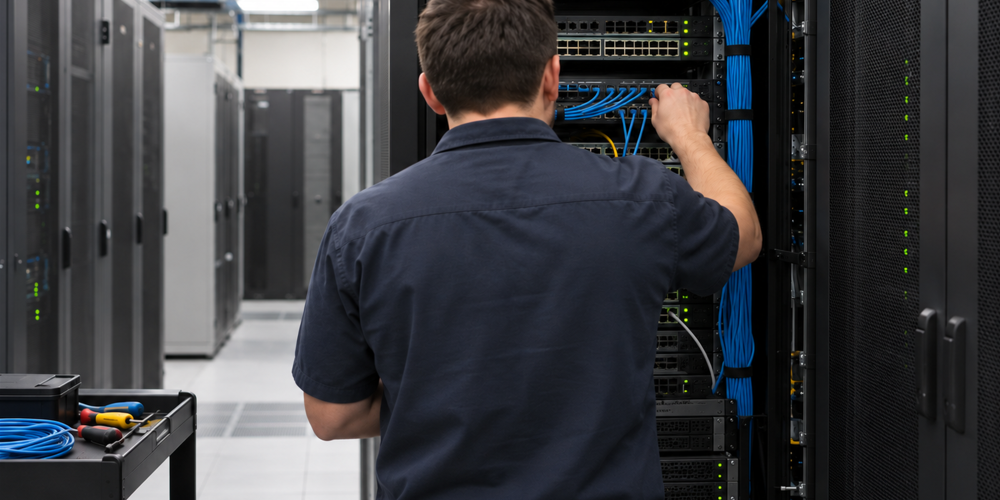
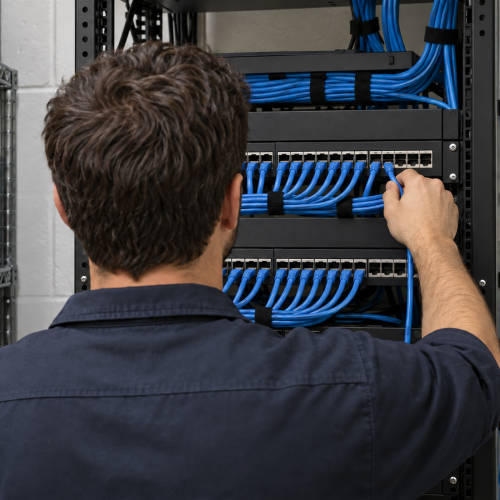
Our Managed IT Services offer ongoing support at a predictable, fixed cost. Plans are tailored to your business size and budget, with employee access to support without per-call charges. Continuous monitoring helps identify problems before they interrupt the work.
Support coverage, including round-the-clock and holiday assistance, is defined in your service plan.
- Plans tailored to your business size, priorities and budget
- Flat-rate IT support with predictable costs and no per-call support fees
- Continuous monitoring of computers and networks to help prevent downtime
- Round-the-clock assistance, including holidays, within your support plan
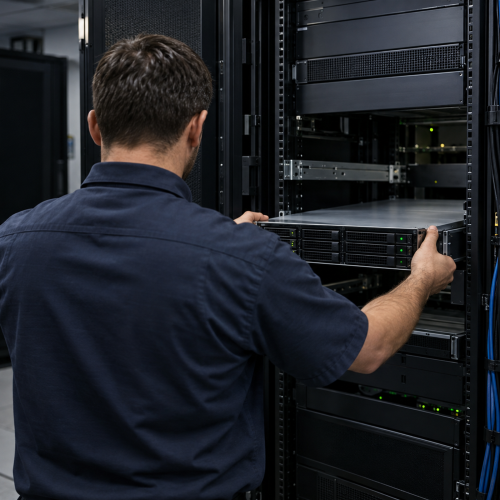
On-Site IT Support
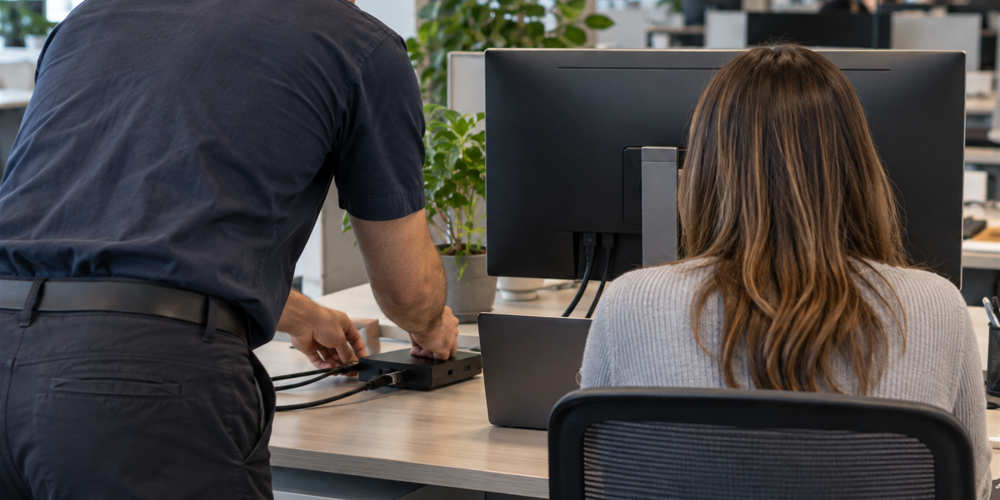
Some technology problems need someone at the office. Avanti’s On-Site IT Support brings computer repair and technical help to you, so you do not have to disconnect equipment and take it to a repair shop.
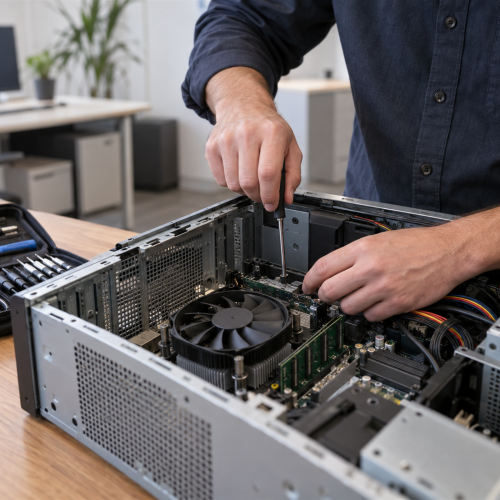
We assess your site, troubleshoot PCs and servers, and help with the equipment, software and connections your team relies on. Service starts in Chicagoland, with nationwide travel available as needed. Visits and projects are planned to limit disruption to your workplace.
- Site evaluation and assessment of your existing technology
- PC and server troubleshooting and repair
- Hardware and software upgrades
- Network setup and router configuration
- Technology wiring and infrastructure installation
Protection, Flexibility & Communication
Cybersecurity & Email Security
Devices, user access, networks and email all need attention. Avanti’s Cybersecurity services bring those protections together, from business-class firewalls and antivirus software to security updates, two-factor authentication and employee training.
Our Email & Spam Protection addresses phishing, unwanted messages and malicious attachments. Email filtering helps stop viruses, worms and malware before they reach an inbox, while activity tracking supports accountability for misuse. Encryption adds protection for business communications.
We can also separate business and guest Wi-Fi access, maintain firewall equipment, and configure secure VPN access for employees working away from the office.
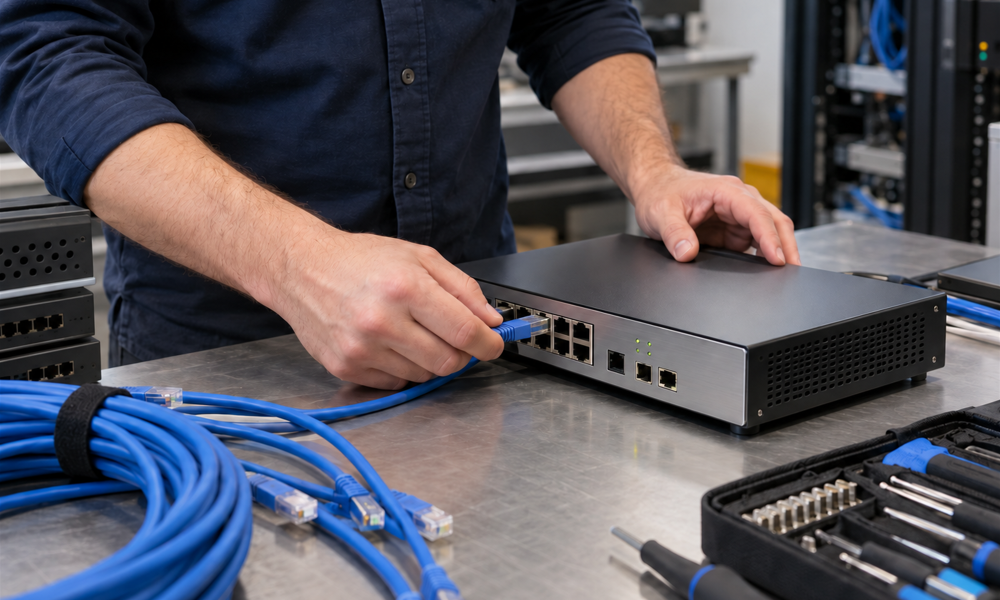
How We Can Help
- Email filtering for viruses, worms, malware, spam and phishing
- Email activity tracking and accountability for misuse
- Encryption for business email communications
- Separate, secure business and guest Wi-Fi networks
- Configuration and maintenance of business-class firewalls
- VPN connections for remote workers
- Antivirus protection for Microsoft Windows and Apple systems
- Two-factor authentication for secure account access
- Regular security updates and software patching
- Employee security training and phishing tests
Data Backup & Recovery
A backup is useful when it can restore the information your business needs. Avanti’s Data Backup & Recovery services combine on-site and cloud options to protect servers, workstations and user files.
Backup Disaster Recovery (BDR) appliances can capture hourly server snapshots, with immediate failover options to help keep essential systems available during a failure. We also plan restoration after a cyberattack, including ransomware, and use security software to help protect against hacking and viruses.
The recovery approach depends on your systems, backup coverage and business priorities. We review those needs and test restores so the plan has a practical path from a disruption back to work.
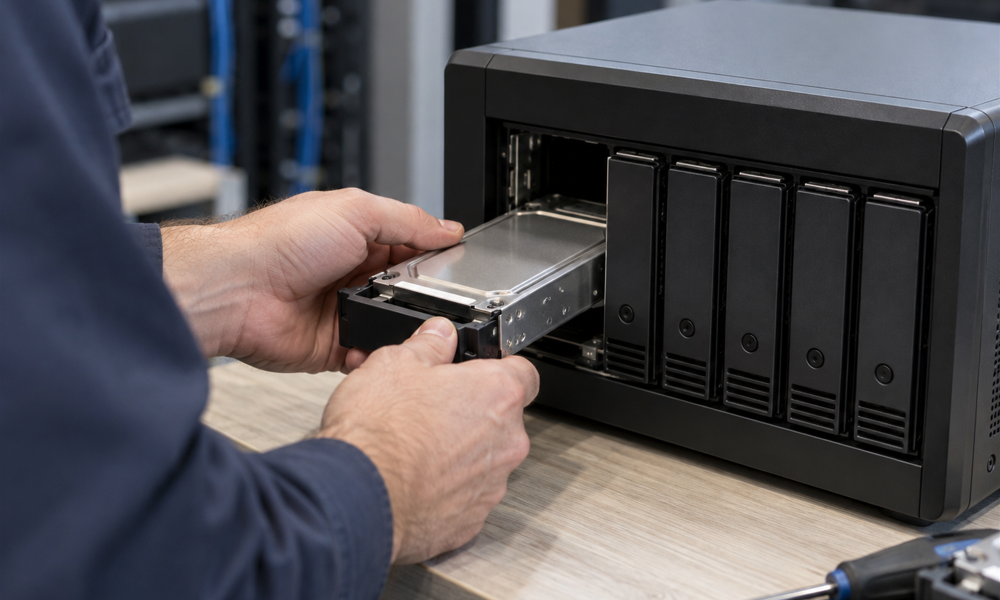
How We Can Help
- BDR appliances with hourly snapshots of your servers
- Immediate failover options to reduce disruption after a failure
- Cloud backups for important workstation files and user data
- System restoration after cyberattacks, including ransomware recovery
- Security software to help protect against hacking and virus threats
Virtualization & Remote Work
Avanti helps your business use its systems more efficiently and support employees wherever they work. Virtualization can consolidate several servers, support older operating systems on modern hardware, and move existing systems without reinstalling their software where compatible.
Separate test environments let you try changes before touching live systems. We consider application compatibility, server resources and security before recommending a setup.
Our Remote Work Solutions connect employees to office tools and information through secure VPN access and two-factor authentication. Microsoft Teams and similar collaboration tools help people work together, while business phone options keep personal numbers private. Workstation setup and technical support help remote employees work as they would in the office.
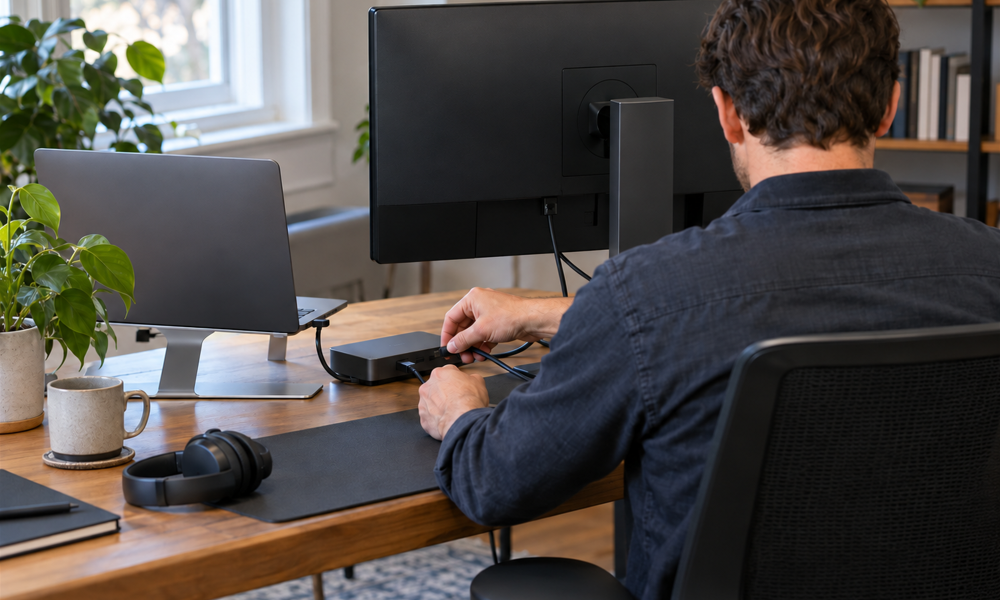
How We Can Help
- Consolidation of multiple servers through virtualization
- Support for older operating systems on modern hardware
- Migration of existing systems without reinstalling software where compatible
- Separate test environments for changes before they reach live systems
- Remote workstations with access to the tools used in the office
- Business phone options that keep employees' personal numbers private
- Secure VPN access with two-factor authentication
- Collaboration tools, including Microsoft Teams
- Technical support for employees working remotely
Business Phone Systems
Your phone system should match how your team handles calls. Avanti’s Business Phone Systems offer hosted phone options with flexible office and home office setups, mobile apps and transfers between devices.
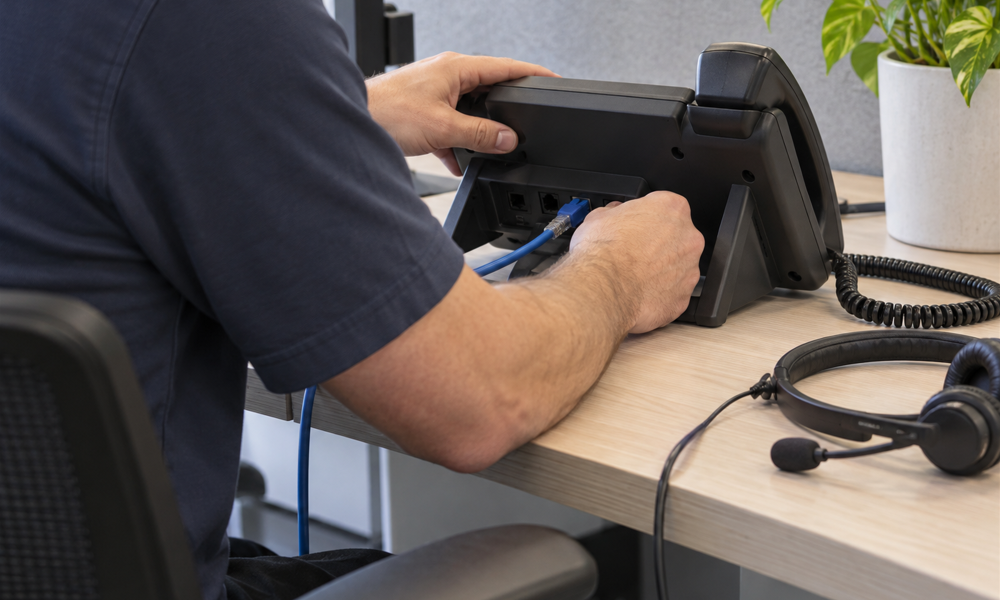
Network-connected desk phones support the office, while mobile access lets employees stay connected away from their desks. We review your connections, call-handling needs and existing equipment to plan an upgrade that fits your workflow.
Hosted plans provide predictable monthly costs. We discuss the features and pricing that suit your business before choosing a system.
Let’s Talk about a solution for your IT needs.
Need technology help at home? Explore our Residential IT Services.
How We Can Help
- Flexible hosted business phones, including home office integration
- Mobile phone apps for access away from the office
- Call transfers between desk phones and other supported devices
- Network-connected office desk phones
- Hosted phone plans with predictable monthly costs
Business IT Services FAQs
Which business IT services can Avanti coordinate?
Avanti can bring together managed IT, on-site support, cybersecurity, email protection, data backup and recovery, virtualization, remote work and business phone systems. We review your existing setup and priorities to identify the services that belong in your plan.
Should we start with ongoing support or a specific IT project?
Start with what your business needs now. A particular repair or upgrade can be discussed as a defined piece of work, while recurring support and maintenance can be considered through a managed plan. We review the issues, equipment and priorities before recommending the next step.
Can office and remote employees use a coordinated IT setup?
Yes. We consider the office systems and remote work needs together, including workstation access, VPN connections, two-factor authentication, collaboration tools and business calling. The setup is planned around the applications, information and communications your team relies on.
How do we decide which technology improvements to make first?
Tell us which problems interrupt work, which systems are most important and what changes your business is planning. Reviewing those priorities alongside existing equipment, security and backups helps define a practical order for support and upgrade work.
Can we keep existing computers and network equipment when upgrading?
We start by reviewing the equipment you already use, the problems it causes and the software your team depends on. That helps identify what can stay, what needs maintenance and where replacement would be useful. You do not need to choose new equipment before discussing the project.
Can Avanti help plan the IT side of an office move or expansion?
Yes. We can discuss network cabling, workstations, server equipment, remote access and business phone connections as part of the project. Share your new space, expected users and target timing so we can review the technical requirements and plan the work around your business.
How do cybersecurity and backups work together in a business IT plan?
Security helps reduce the chance of unauthorized access, malicious email and other threats. Backups provide a separate way to recover important information when something goes wrong. We review both together, including device protection, access controls, staff awareness and the data your business needs to restore.
What information should we bring to an initial IT consultation?
Describe your main problems, the number of users and locations, the equipment and applications you rely on, and any planned changes. Details about current support, backups, internet and phone services are also useful. We can use that starting point to define priorities and discuss the appropriate scope of work.